Git log
The git log command displays committed snapshots. It lets you list the project history, filter it, and search for specific changes. While git status lets you inspect the working directory and the staging area, git log only operates on the committed history.
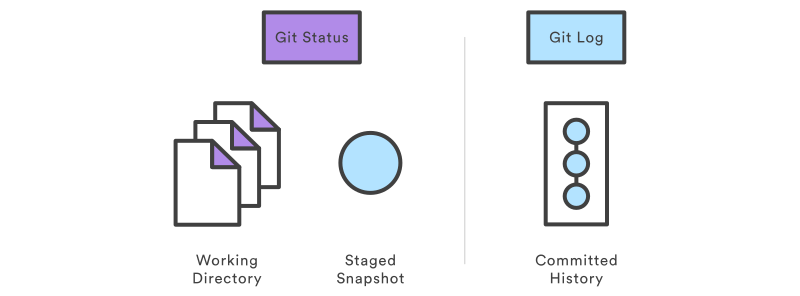
Log output can be customized in several ways, from simply filtering commits to displaying them in a completely user-defined format. Some of the most common configurations of git log are presented below.
- Limit the number of displayed commit
git log -n 3
will show only the last 3 commits.
- Condense each commit to a single line. This is useful for getting a high-level overview of the project history
git log --oneline
- Show more details of the commits:
git log --stat or git log -p (shows the git diff of each commit).